Free. No ads, no subscription required, nothing behind a paywall.
Tired of being woken at 5am by a child who thinks the night is over?
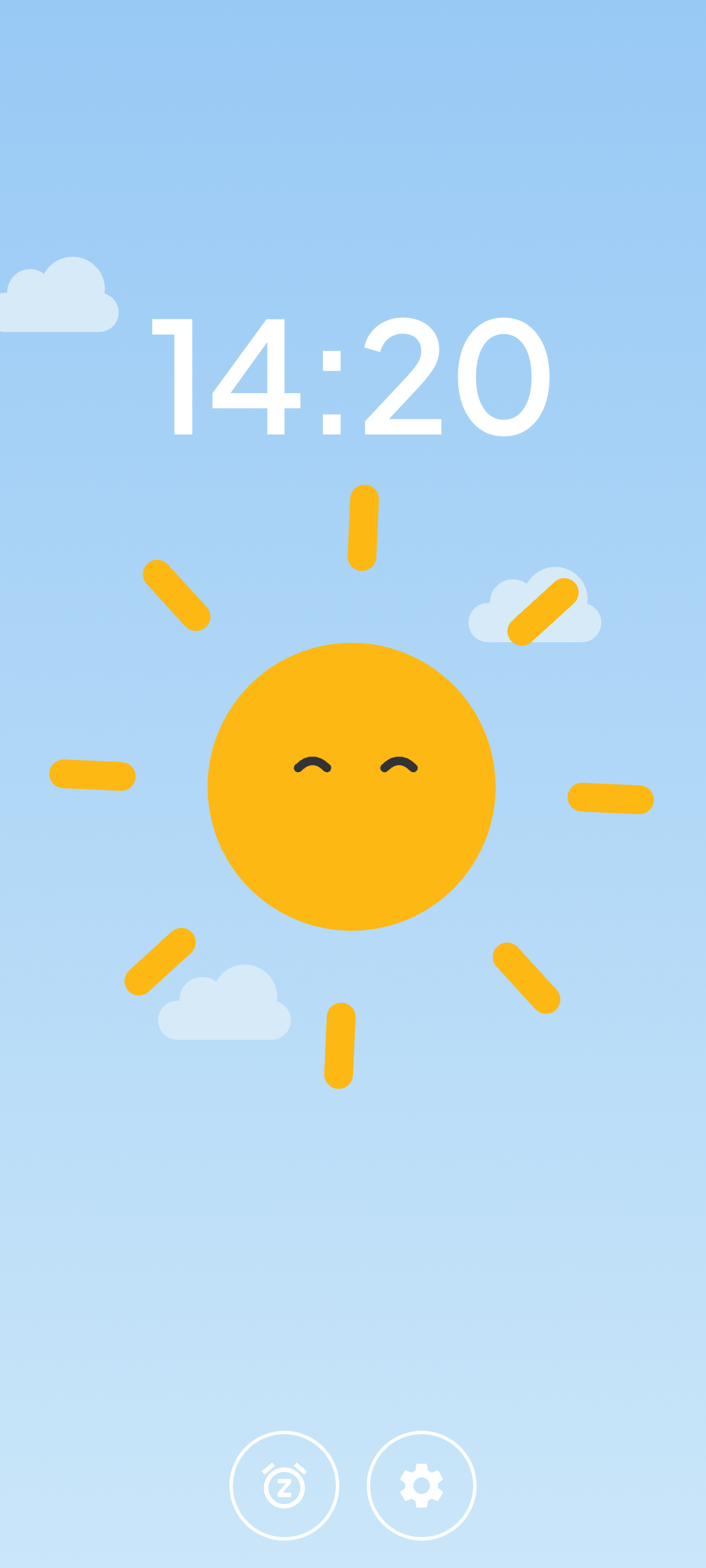
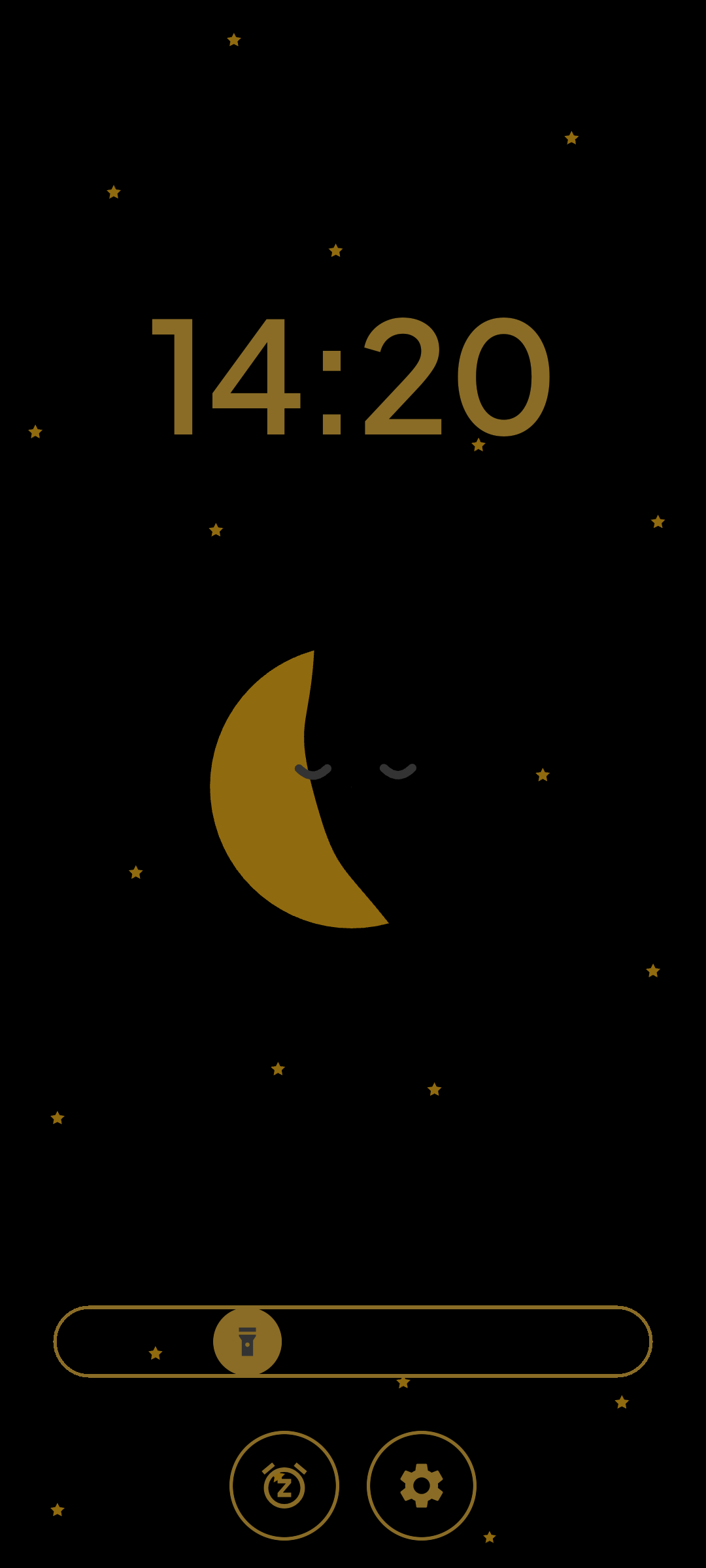
Luna answers that question before your child comes and asks you. A sleeping moon means it is still night, and a progress bar shows how much of the night is left. When the sun comes up on the screen, so can your child.
A child who cannot read a clock has no way to tell four in the morning from seven. So the safest guess is to come and find out, every single time.
The clocks sold to fix it are not good enough
Another gadget for the bedroom, at a price that does not match what arrives: a dim screen, a plastic shell and a battery to keep charged.
You already own the fix
It is the phone in your drawer. Better screen than any of them, already paid for, and it was going to sit there doing nothing anyway.
Why parents and kids love Luna
Everything below is in the app today, music and the baby monitor included.
One app, two modes
Alarm Clock on the old phone, Parental Device on yours. Pair them with a 4-digit code.
Readable before reading
An animated moon means it is still night. A progress bar shows how much of it is left.
A nightlight in your child's colour
The screen edge glows in one of 12 colours. Set the brightness, and dim the clock itself.
Set bedtime once
Repeating weekly schedules: bedtime, how long the night lasts, which days. Weeknights and weekends can differ.
Naps from anywhere in the house
Start one from your phone or from the clock itself. 1 to 180 minutes, with an optional alarm.
Nobody gets startled awake
Seven alarm tones and eight music tracks. The volume ramps up from silence over about six seconds.
Their own songs and stories
Send songs, lullabies and bedtime stories from your phone. They stay on the clock and play with no connection.
Hear the room without getting up
Listen in live from your phone and talk back. The clock keeps listening and tells you if the room gets loud.
A phone with one job
On Android, set Luna as the launcher. The phone boots straight into the clock and stays there.
Their sleep stays in the house
Your phone talks to the clock over your own Wi-Fi, encrypted. Schedules, naps and your child's name stay on your two devices.
Your DIY magical clock
Four steps, one evening, no new hardware.
01
Find an old phone
Android 7.0 or later, or iOS 15 or later. It needs Wi-Fi and somewhere to plug in, and that is all.
02
Install Luna on both
One app, two modes. Pick Alarm Clock on the old phone and Parental Device on your own.
03
3D Print a case
Print one, or build one out of cardboard with your child. Either way it covers the side buttons, so the phone stops being something your child can switch off.
04
Pair and go
Enter the 4-digit code the clock shows you. Set bedtime once, and it repeats every week.
The case is not decoration
A phone has buttons. A clock should not.
Every phone has a power button and a volume rocker, and a child will find both. A case covers them. What is left is a screen in a box, and a screen in a box is an appliance, not a phone your child is borrowing.
On Android, setting Luna as the launcher shuts the software door: no home screen, no other apps. The case shuts the hardware one. On an iPhone, where nothing can replace the home screen, the case is doing most of the work on its own.
It also solves the boring problems
The phone stands at the right angle to be read from a bed, instead of lying flat on a shelf.
The charging cable is held where it will not be tugged out at two in the morning.
The screen is framed, so the clock fills the opening instead of floating in a black rectangle.
Option one
3D Print it
Type in your phone's dimensions. The configurator builds three printable parts around them and gives you the files: a shell that grips the phone at its corners, a front plate with a thin ring for the nightlight, and a stand.
No 3D printer, and honestly no need for one. A cereal box, a craft knife for the grown-up and an afternoon will get you there. Cut a window for the screen, a notch for the cable, and make sure the sides sit over the buttons.
This is your child's clock. Letting your child pick the colour, glue the stars on and decide where the name goes does more for bedtime than any feature we could ship. The printed version will still be there next month.
Cardboard templates, printed designs and photos of what other parents have actually built.
Share your design
Post your case, your print profile or your measured phone dimensions, and have someone who already printed for that device check them.
Shape the product
Feature requests, bug reports, and a vote on which of the four above we build first.
Setup help
Pairing trouble and Wi-Fi that will not cooperate are most of what goes wrong. Someone there has usually hit it already.
Have questions?
Does Luna cost anything?
No. Luna is free, with no ads, and every feature in the app today is available to everyone. There are optional support purchases that fund development and add your first name to a supporters list inside the app. They are contributions, not upgrades.
What kind of phone do I need?
Two devices on the same Wi-Fi network: one to be the clock, one to control it. The clock device needs Android 7.0 or later, or iOS 15 or later. The two do not have to run the same operating system.
Can I use just one phone?
No. Luna is a two device system by design. The clock needs to be a dedicated screen that stays by the bed all night, and you configure it from your own phone.
Does it need an internet connection?
Your phone and the clock talk directly over your own Wi-Fi, so day to day control works without internet. Luna downloads the wake-up sounds once, and one alarm tone is built into the app and works offline.
How does the remote control work?
Both devices announce themselves on your local network and connect directly. Every message is encrypted, and the first pairing is confirmed with a code shown on the clock screen. Nothing is relayed through a server.
Where does my child's data go?
Nowhere. Your child's schedule, naps, nightlight and name stay on your two devices. Luna does send anonymous crash and usage reports so bugs can be found and fixed, and none of that carries sleep data or your child's name.
How does listening in work?
Tap Listen in and the room plays live on your phone, over your own Wi-Fi. Hold the button to answer your child with your own voice. Put the phone away and the clock keeps listening for you, sending a notification if the room gets loud. It is a live connection, so nothing is stored, and the clock shows a small mark whenever its microphone is on.
Can I play my own music on the clock?
Yes. Import songs, lullabies or bedtime stories from your phone, one file at a time or a whole album in a zip. Luna reads the titles and the track order from the files, copies everything to the clock over your Wi-Fi, and it plays there without a connection. You choose control by control what your child can do alone, and each album carries a colour and a symbol, so a child who cannot read still finds the one they want.
Are the 3D models really free?
Yes. The configurator generates a model sized to your phone and you download it straight away. No account, no charge, no email address.
I do not have a 3D printer. Does that stop me?
Not at all. A cereal box and an afternoon with your child gets you a case that does the same job, and your child will like it more for having made it. The only thing to get right is covering the side buttons.
Do I actually need a case?
Luna works without one. But a bare phone still has a power button and a volume rocker, and a child will find both. A case covers those, holds the phone at a readable angle and keeps the charging cable in place. On Android you can also set Luna as the launcher, which closes the software side; the case closes the physical one.
Can I stop my child leaving the app?
On Android, yes. During onboarding you can set Luna as the phone's launcher, so it starts on boot and there is no route out to other apps. iOS does not allow an app to become the home screen, so on an iPhone use Apple's Guided Access instead.